TNREGINET Login Process, EC Online, Guideline Value
If you buy, sell, or verify property in Tamil Nadu, you will use TNREGINET. The portal gives online access to land records, property registration services, and document details. It saves time and reduces the need to visit the Sub Registrar Office.
This guide explains the TNREGINET login process, main features, benefits, and common user questions in simple steps.
What Is TNREGINET?
TNREGINET is the official online registration portal of the Registration Department Tamil Nadu. It allows citizens to access property and document-related services online.
Through TNREGINET, users can:
- View Encumbrance Certificate online
- Check guideline value
- Search registered documents
- Apply for certified copies
- Track registration status
- Create and manage user accounts
- TNREGINET Login Process
The portal supports buyers, sellers, property agents, lawyers, and financial institutions.
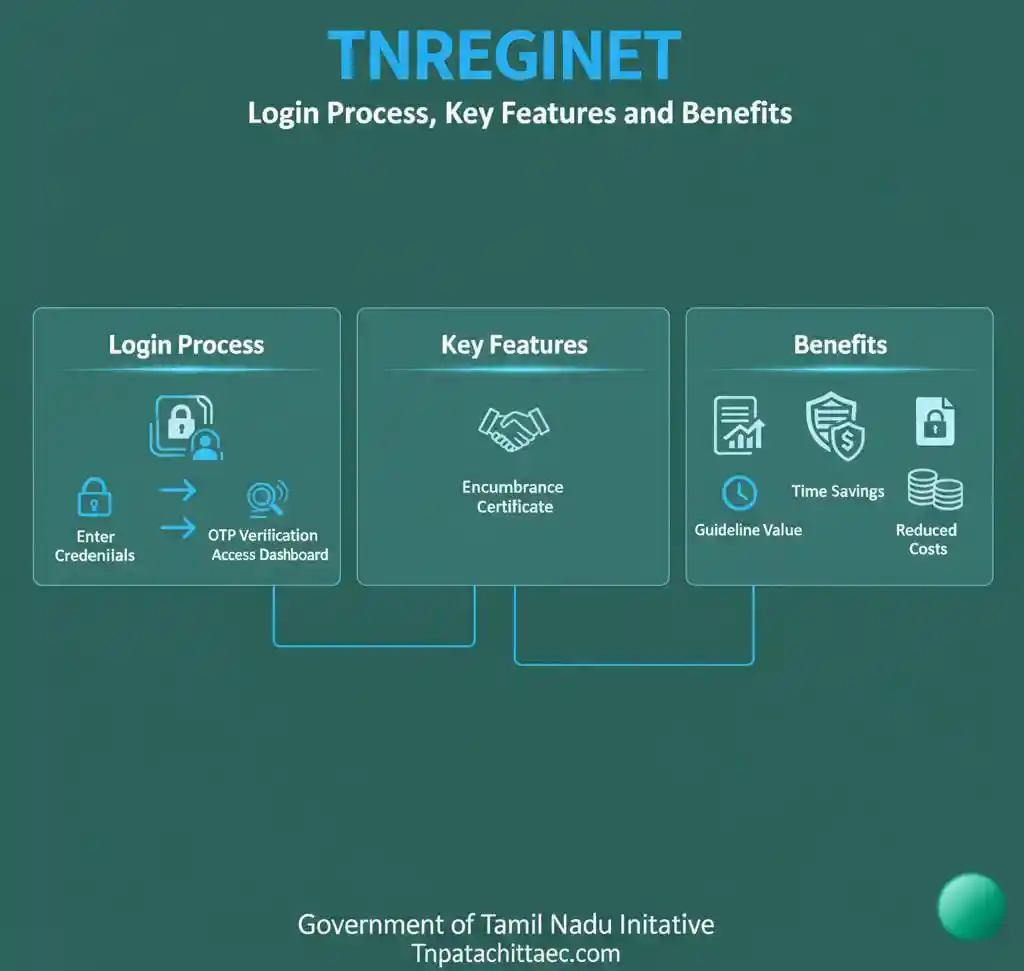
TNREGINET Login Process Step by Step
You must register before you log in TNREGINET Login Process.
Step 1: Visit the Official Portal
Go to the official TNREGINET website.
Make sure you use the correct government website to avoid fraud.
Step 2: New User Registration
If you are a new user:
- Click on User Registration
- Select Citizen
- Enter your name, address, email ID, and mobile number
- Create a username and password
- Enter the captcha code
- Submit the form
You will receive an OTP on your registered mobile number. Enter the OTP to activate your account.
Step 3: TNREGINET Login
After registration:
- Click on Login
- Enter your username
- Enter your password
- Fill in the captcha
- Click Submit
You will now access your dashboard.
Forgot Password Process
If you forget your password:
- Click Forgot Password
- Enter your username and mobile number
- Verify with OTP
- Set a new password
Keep your login details safe.
Key Features of TNREGINET Portal
TNREGINET offers many useful services. Below are the most important features.
1. Encumbrance Certificate View and Download
The Encumbrance Certificate shows whether a property has legal or financial liabilities.
You can:
- Search EC by document number
- Search EC by property details
- View EC online
- Download EC PDF
This helps buyers confirm ownership history before purchase.
2. Guideline Value Search
Guideline value is the minimum property value fixed by the government for stamp duty calculation.
You can:
- Select district
- Select taluk
- Choose village
- Enter street name
The system shows the official land value per square foot or per acre.
This feature helps calculate stamp duty and registration charges.
3. Document Search
You can search registered documents by:
- Document number
- Year
- Sub Registrar Office
- Party name
This helps verify property transactions and legal ownership.
4. Online Certified Copy Application
Users can apply for:
- Sale deed copy
- Gift deed copy
- Settlement deed copy
You can track the application status online.
5. Marriage Registration Services
TNREGINET also allows:
- Marriage registration application
- Upload of documents
- Status tracking
This service reduces physical visits.
6. Society Registration and Firm Services
The portal supports:
- Society registration
- Firm registration
- Partnership deed filing
This benefits business owners.
Benefits of Using TNREGINET
Saves Time
You do not need to visit the Sub Registrar Office for basic services.
Transparency
You can check property records directly from government data.
Reduces Fraud
Buyers can verify ownership and loan history before buying land.
Easy Access
The portal works online 24 hours a day.
Cost Effective
You save travel expenses and agent fees.
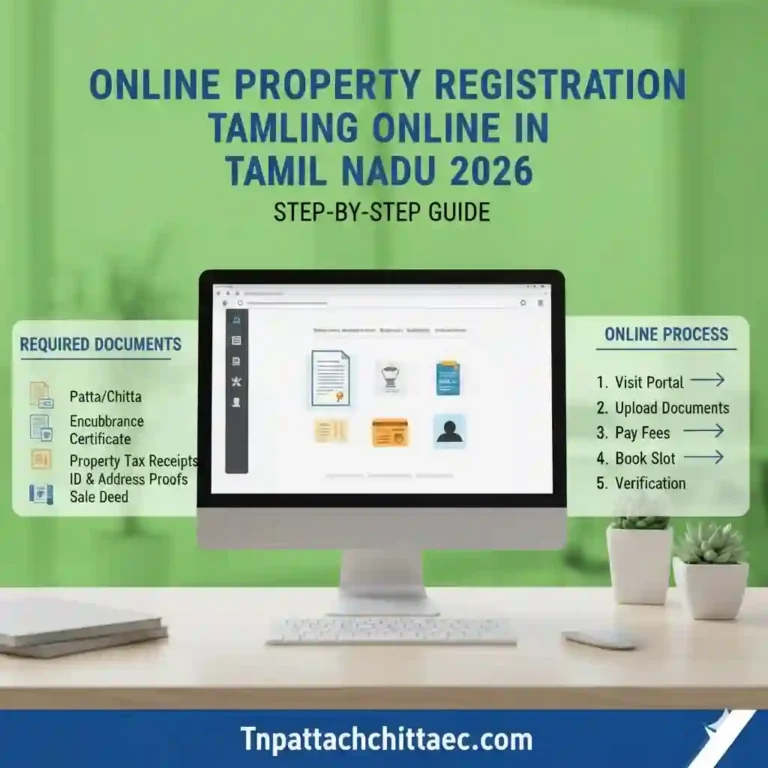
Documents Required for Property Registration
When registering property, keep these ready:
Correct documentation prevents delays.
Common TNREGINET Login Issues and Solutions
Website Not Opening
Clear browser cache.
Use updated browser.
Try during non-peak hours.
Invalid Username or Password
Check spelling.
Reset password if needed.
OTP Not Received
Check mobile network.
Verify registered mobile number.
Retry after some time.
TNREGINET Login Problems and Solutions
Many users search for why TNREGINET is not working or why TNREGINET is not working today. Below are common issues.
1. TNREGINET Not Working Outside India
Some users report TNREGINET not working outside India. This may happen due to server restrictions or regional access limits.
Solution:
- Try using secure internet connection
- Access during Indian working hours
- Contact support if issue continues
2. Server Busy or Site Down
If TNREGINET is not working today:
- Clear browser cache
- Use updated browser
- Try during non peak hours
Heavy traffic often causes slow loading.
3. Login Errors
If login fails:
- Check username spelling
- Reset password
- Ensure OTP verification completed
4. EC Page Not Loading
If EC online page does not open:
- Refresh page
- Switch browser
- Re login
Helpdesk and Support
If problems continue, users search for helpdesk at tnreginet dot net. Always use official contact details listed on the registration department website.
Do not share password with anyone.
How to Delete TNREGINET Account
Some users search how to delete TNREGINET account.
Currently, account deletion options may not be directly available on the dashboard. You may need to:
- Contact official support
- Submit written request if required
- Follow instructions provided by the department
Always confirm from official sources.
Online EC View Tamilnadu TNREGINET App
Many users search for online EC view Tamilnadu TNREGINET app. The portal mainly works through web access. Use the official website only. Avoid third party apps that request login credentials.
Why TNREGINET Is Important for Property Buyers
Before buying property:
- Check guideline value government rate
- View EC online Tamilnadu TNREGINET
- Confirm ownership history
- Verify document details
This reduces legal risk.
TNREGINET Stamp Duty and Registration Charges
Stamp duty and registration charges depend on property value.
TNREGINET Login Process
Stamp duty is calculated based on:
The higher value between sale price and guideline value is considered.
Always verify the latest rates from official sources before payment.
How TNREGINET Helps Property Buyers
Before buying property, you should:
- Check guideline value
- Download Encumbrance Certificate
- Verify previous owner details
- Confirm document registration history
TNREGINET allows all these checks in one place.
This reduces legal risk.
Is TNREGINET mandatory for property registration?
Yes. Property registration in Tamil Nadu is processed through the official system managed by the Registration Department.
Can I download EC online from TNREGINET?
Yes. You can search and download Encumbrance Certificate directly from the portal.
How do I check guideline value in Tamil Nadu?
Use the guideline value search option. Select district, taluk, and village. The system shows the official rate.
Is TNREGINET safe to use?
Yes. It is an official government portal. Always use the correct website.
Can I track property registration status online?
Yes. Enter document details in the status tracking section.
Related Services Connected to TNREGINET
TNREGINET connects with other Tamil Nadu e governance systems. These include land records and revenue services managed by the Government of Tamil Nadu.
Using integrated services ensures updated property data.
Why TNREGINET Matters for Real Estate in Tamil Nadu
Property transactions involve high financial value. Small mistakes cause major legal issues.
TNREGINET improves:
- Record transparency
- Legal security
- Speed of processing
- Public access to information
It builds trust in the property registration system.
Final Thoughts
TNREGINET plays a central role in property registration in Tamil Nadu. It allows citizens to check Encumbrance Certificates, verify guideline value, search documents, and apply for certified copies online.
Understanding the TNREGINET login process and key features helps you avoid mistakes and complete transactions smoothly.
Always verify property details before buying or selling. Use official government sources. Keep your login details secure.
When used correctly, TNREGINET makes property registration simple, transparent, and efficient.
Frequently Asked Questions About TNREGINET
1. What is TNREGINET?
TNREGINET is the official online portal of the Registration Department Tamil Nadu. It provides property registration services, EC online access, guideline value government search, and document verification in Tamil Nadu.
2. How do I complete the TNREGINET login process?
First, register on the registration department website using your mobile number and email. Verify with OTP. TNREGINET Login Process Then log in using your username, password, and captcha through tnreginet gov in English to access services like view EC online.
3. How can I view EC online Tamilnadu TNREGINET?
Log in to your account. Select Encumbrance Certificate search. Enter document number or property details. You can then view EC online and check ownership history.
4. How do I complete EC online download Tamil?
After you view EC online, click the download option. Save the file as PDF. This process is commonly searched as EC online download Tamil or online EC view Tamilnadu English.
5. What is villangam EC online login?
Villangam means legal liability. TNREGINET Login Process Villangam EC online login helps users check whether a property has loans, claims, or legal issues before purchase.
6. How do I check guideline value government rates?
Use the guideline value search option on the portal. Select district, taluk, village, and street name. The system shows the official property rate fixed by the government.
7. Why TNREGINET is not working today?
If users search why TNREGINET is not working today, common reasons include heavy traffic, server maintenance, or technical updates. Try again later or refresh the browser.
8. Why TNREGINET is not working outside India?
Some users report TNREGINET not working outside India due to regional access restrictions or security filters. Try using a stable connection and access during Indian working hours.
9. Is there an online EC view Tamilnadu TNREGINET app?
Many users search for an online EC view Tamilnadu TNREGINET app. It is recommended to use the official website directly instead of third party apps to keep your data secure.
10. How to delete TNREGINET account?
There is usually no direct delete option inside the dashboard. For how to delete TNREGINET account requests, contact official support through the portal and follow their instructions.
11. Where can I find support or helpdesk details?
Users often search helpdesk at tnreginet dot net. Always check the official website for updated and correct contact information before reaching out.
12. What is Villangam EC Online Login?
Villangam refers to encumbrance or legal liability. Villangam EC online login allows users to check if property has pending issues.
13. Can I Access TNREGINET in English?
Yes. TNREGINET gov in English option is available on the portal.
14. How Long Does EC Online Download Take?
Usually instant. If server is slow, wait and retry.
15. Why TNREGINET Is Not Working Today?
Possible reasons:
- Server maintenance
- High traffic
- Technical updates
Try again later.