How to Check Patta Chitta Status for Newly Bought Property
You just bought a property in Tamil Nadu. The registration is done. The sale deed is in hand. But one critical step still remains — getting the Patta transferred to your name.
Without an updated Patta Chitta in your name, banks can reject your loan application. You cannot sell the property freely. Government schemes may be out of reach. And in a dispute, your legal position weakens.
This guide walks you through exactly how to check Patta Chitta status for a newly bought property — online, without visiting any office.
Important update (2024): Tamil Nadu now offers instant Patta transfer at the time of registration for properties without subdivision. If your sale deed is already registered and the seller had an individual Patta, your name may already appear in the land records.
What Is Patta Chitta and Why It Matters After Purchase
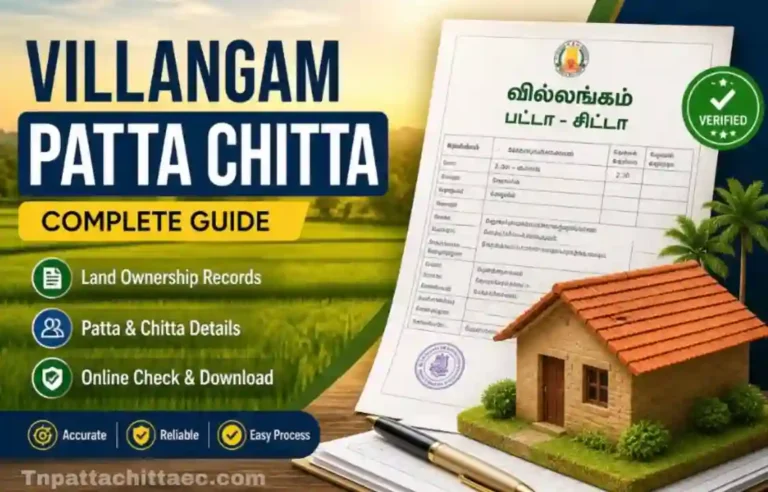
Patta is the official land ownership record issued by the Tamil Nadu Revenue Department. It carries your name, survey number, land classification, and area. Think of it as the government’s stamp of approval on your ownership.
Chitta was a separate land revenue record that classified land as wetland (Nanjai) or dryland (Punjai). Since 2015, the Tamil Nadu government merged both documents into one. So today, when people say “Patta Chitta,” they mean the single combined land record that serves both purposes.
For a new buyer in Chennai’s Ambattur or Perungudi area, or someone who just purchased an agricultural plot off the Salem bypass near Rasipuram, having the Patta in your name is the final step that completes your legal ownership on paper.
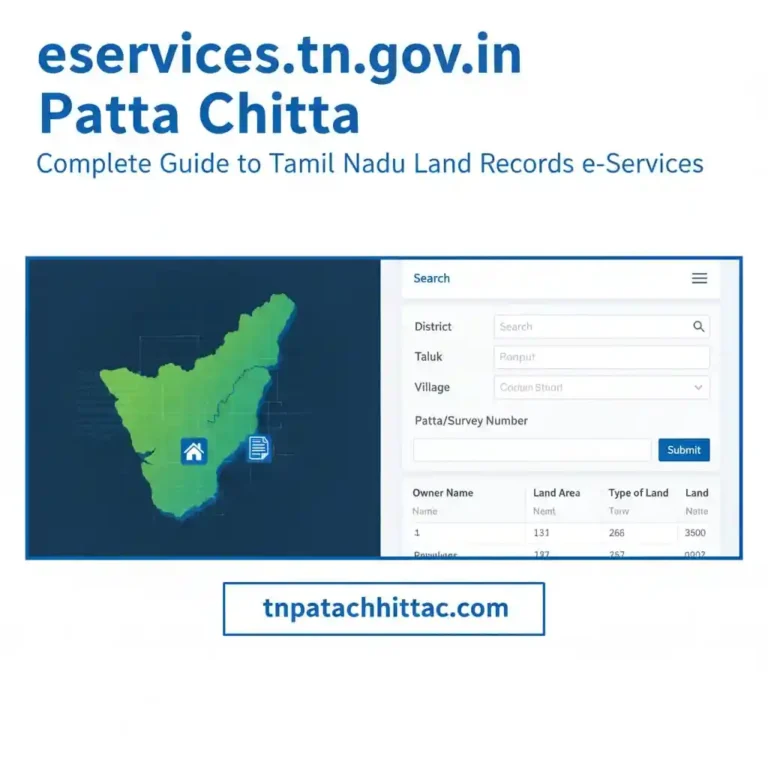
The Patta Chitta record is maintained by the Revenue Department and is accessible through the Tamil Nadu e-Services portal at eservices.tn.gov.in. This is the only official platform. Avoid third-party websites that charge fees for viewing records.
Does Patta Transfer Automatically After Registration?
This is the first question most new buyers ask. The short answer: it depends.
In 2024, the Tamil Nadu government rolled out a fully integrated system between its registration portal (TNREGINET) and the revenue records portal. When a property changes hands, the system checks if the seller has an individual Patta and whether the land extent remains unchanged.
If both conditions are met, the new owner’s name appears on the Patta record almost instantly after registration. You can download it the same day from the TN e-Services portal.
| Scenario | Patta Transfer Timeline |
|---|---|
| Seller has individual Patta, no subdivision needed | Instant — same day as registration |
| Seller has no existing Patta | Apply via e-Seva centre — 15 working days |
| Property involves subdivision | Revenue survey required — up to 30 days |
| Application filed at Tahsildar office manually | 1 week to 1 month depending on workload |
If you bought a flat in a multi-storey apartment building near OMR in Chennai or in a high-rise on Avinashi Road in Coimbatore, note that individual flats typically do not receive a separate Patta. Check Patta Chitta Status. A Patta is issued only if the flat includes an undivided share of the land.
How to Check Patta Chitta Status Online — Step by Step
Open your browser on any device. Follow these steps on the Tamil Nadu e-Services portal. The entire process takes about five minutes.
- 1
- Go to the official porta
Visit eservices.tn.gov.in. This is the Government of Tamil Nadu’s official land records portal. The site is available in both Tamil and English. - 2
- Find the Application Status section
Scroll down the homepage and look for the “Application Status” link. Click it. You will be taken to a new page. - 3
- Enter your Application ID
When you filed for Patta transfer online, you received an Application ID. Enter this ID in the field. If you applied through a Common Service Centre, check the receipt — your ID is printed there. - 4
- Complete the CAPTCHA and submit
Fill in the verification value shown on screen and click “Get Status.” The current processing stage of your application will appear. - 5
- Read the status message
If approved, your name will reflect in the Patta record. You can then go to “View Patta & FMB / Chitta / TSLR Extract” to download the updated Patta document in PDF format Check Patta Chitta Status.
🏛️
Official TN e-Services Portal
View Patta, check application status, verify land records, and download FMB sketches — all in one place. Go to eservices.tn.gov.in
How to View and Download Your Updated Patta
Once your Patta transfer is approved, here is how to get the document.
For urban properties in cities like Madurai, Trichy, or Salem, you may need the Town Survey Land Register (TSLR) Extract instead. The steps are identical, but select “TSLR Extract” on the homepage and fill in the urban property details.
Documents Needed to Apply for Patta Transfer
If your Patta was not auto-updated at registration, you need to file an application. Keep these documents ready before you begin.
You can apply online through the TN e-Services portal or walk into any Common Service Centre (CSC) near you. CSCs charge Rs. 60 per application. Applying directly through the portal is free.
Watch out: Several third-party websites charge ₹200 to ₹500 for downloading Patta documents. The Tamil Nadu government portal provides all records at no cost. Never pay a middleman for something you can do yourself in minutes.
How to Verify the Authenticity of Your Patta Chitta
Once you have the document, verify it to ensure it matches official government records. This step is especially important when buying land near disputed areas like river edges, forest boundaries, or old village sites (Poramboke land).
Also check if the land is privately owned or government-owned (Poramboke). Use the “Verify Government / Private Land” option on the portal. Properties near places like Pallikaranai Marsh in Chennai or Vellore Fort’s surrounding land require extra verification before purchase.
What to Do If Your Application Is Delayed or Rejected
The revenue department processes around three lakh Patta applications every month across Tamil Nadu. Delays happen, but they are manageable.
If your application has been pending for more than 30 days and no update appears on the portal, visit the local Tahsildar office with your Application ID. The Tahsildar is the final authority for Patta approval. The Village Administrative Officer (VAO) handles field-level verification, and the Revenue Inspector oversees records.
Applications that require a subdivision survey are given a 30-day deadline for revenue officials to complete the survey. If this window passes, you can escalate the matter to the District Collector’s office.
Common rejection reasons include a mismatch between the sale deed and land records, a pending survey, or incomplete documents. Fix the specific error and reapply. The portal shows the rejection reason clearly.
Special Cases Worth Knowing
Inherited Property
If you received property through a will or after a family member’s passing, you must apply for Patta transfer at the Tahsildar office. Bring the death certificate, legal heir certificate, and the original sale deed or will. The process is manual for inherited property and takes 15 to 30 working days.
Gift Deed Property
Gift deed recipients follow the same online process as regular buyers. Upload the registered gift deed in place of the sale deed. The portal handles it the same way.
Apartment Buyers
Buyers of flats or apartments, including buildings near Velachery Main Road or Sholinganallur in Chennai, typically do not get an individual Patta. The builder’s Patta covers the entire land parcel. What you receive is a share of the undivided land, documented in your sale deed. Keep that document safe — it serves as your ownership proof.
Rural and Agricultural Land
For land in districts like Thanjavur, Tirunelveli, or Dindigul, the classification matters. The Patta tells you whether the land is Nanjai Check Patta Chitta Status, wetland with irrigation access) or Punjai (dryland). This classification affects water rights, tax rates, and what can be built there. Verify it matches the purpose you bought the land for.
After Getting Your Patta — What Comes Next
Once the Patta is in your name, update two more records to make your ownership fully airtight.
First, update the property tax records with your local municipality or panchayat. This links your name to the tax account. Second, if the land has crops or agricultural activity, update the Adangal (also called A-Register) at the VAO office. The Adangal tracks land use and crop details for every survey number.
These three together — Patta, property tax, and Adangal — form the complete set of ownership proof that no bank, court, or government office can question.
Pro tip: Download the Patta immediately after transfer and save it in at least two places — one physical printout and one cloud copy. Check Patta Chitta Status Property disputes in Tamil Nadu, including areas with rapid development like Guduvanchery, Urapakkam, and Avadi, are often settled faster when you have an up-to-date Patta ready to present.
FAQs | Patta Chitta – Tamil Nadu
1. Does Patta change automatically after property registration in Tamil Nadu?
No, Patta does not change automatically after property registration in Tamil Nadu. After registering your property through the Tamil Nadu Registration Department, you must apply separately for Patta transfer via the Tamil Nadu e-Services Portal.
Without updating the Patta, the ownership records in revenue documents will still show the previous owner.
2. How long does Patta transfer take in Tamil Nadu?
The Patta transfer process usually takes 7 to 30 days, depending on verification by the local Taluk office. In some cases, delays may occur due to document verification or land disputes.
Applying online through the Tamil Nadu Government portal can help speed up the process compared to manual applications.
3. What is the fee to transfer Patta online in Tamil Nadu?
The official fee for Patta transfer is very minimal or free, depending on the service type.
- Online application: Usually free or nominal charge
- Avoid third-party websites charging ₹200–₹500
- Check Patta Chitta Status onlline
Always use the official Tamil Nadu e-Services Portal to ensure safe and free access.
4. Can I check Patta Chitta status without visiting the Taluk office?
Yes, you can check Patta Chitta status online without visiting the Taluk office.
Visit the Tamil Nadu e-Services Portal and enter details like: Check Patta Chitta Status
- District
- Taluk
- Survey number
This makes it easy to track your Patta status online in Tamil Nadu from anywhere.
5. Do flat buyers get a Patta in Tamil Nadu?
In most cases, flat owners do not receive an individual Patta. Instead, they get a shared or undivided Patta linked to the land on which the building is constructed.
However, some approved layouts may provide individual Pattas depending on local regulations under the Tamil Nadu Government.
6. What is the difference between Patta Chitta and TSLR Extract?
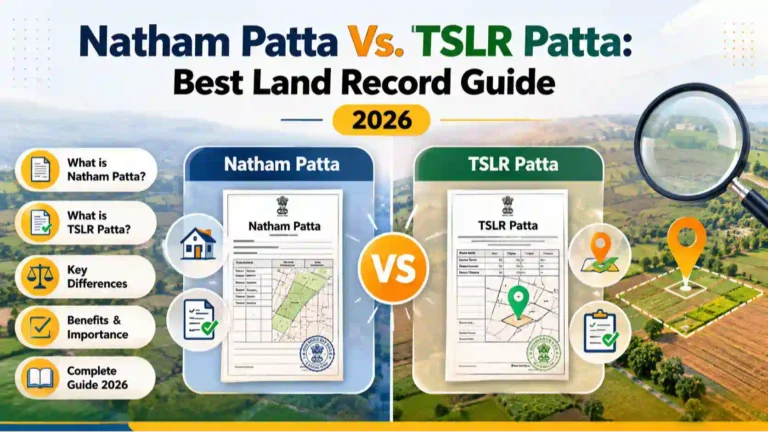
The difference between Patta Chitta and TSLR Extract is based on land classification:
- Patta Chitta:
A combined land record showing ownership details, land type (nanjai/punjai), and survey number. - TSLR Extract (Town Survey Land Register):
Used mainly for urban properties, showing land classification, ownership, and building details.
Both records are available through the Tamil Nadu e-Services Portal and are important for legal verification.
✍
Written by a Tamil Nadu Property Records Expert
This guide is based on official Tamil Nadu government portal documentation, Revenue Department circulars, and verified information from eservices.tn.gov.in and TNREGINET. Last reviewed May 2025.