Online Patta Chitta Shows No Record — Reasons & Fixes 20206
If you searched your land on Tamil Nadu’s patta chitta portal and got “No Record Found,” you are not alone. Thousands of landowners across districts like Madurai, Coimbatore, Salem, and Tiruchirappalli face this every week. It is frustrating, especially when you need the document for a loan, registration, or court matter.
This guide breaks down exactly why your patta chitta returns no results — and what you can do to fix it today.
What Is Patta Chitta and Why Does It Matter?
Before jumping to fixes, understand what you are dealing with.
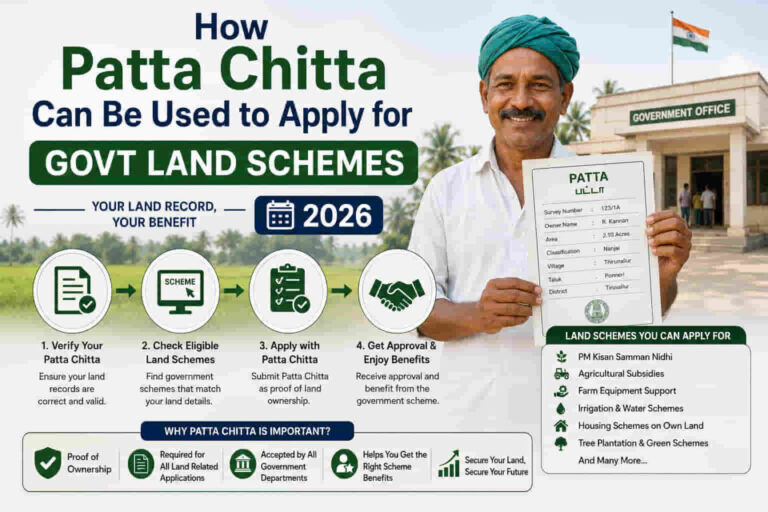
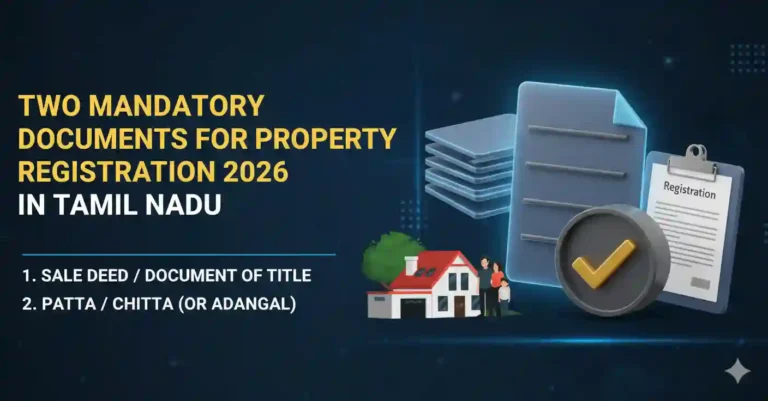
Patta is your land ownership record issued by the Revenue Department of Tamil Nadu. Chitta is the A-register extract that shows land classification, cultivation details, and tax dues. Together, they prove you legally own a piece of land.
The Tamil Nadu government merged both documents into a single record in 2015. Today, you access them through the official TNREGINET or eservices.tn.gov.in portal. The Revenue Department of Tamil Nadu maintains this database through the District Collectorate offices.
If the portal says “No Record Found,” it does not always mean your land has no patta. It often means something else is wrong.
Top Reasons Online Patta Chitta Shows “No Record”
1. Wrong Survey Number Entry
This is the most common reason. Survey numbers in Tamil Nadu follow a specific format. For example, in villages near Anna Nagar, Chennai, or around Avanashi Road in Coimbatore, subdivided plots often carry sub-divisions like 45/2A or 78/3B.
If you type only “45” without the sub-division, the portal returns nothing.
Fix: Check your old sale deed, EC (Encumbrance Certificate), or property tax receipt. Use the exact survey number shown there, including any fractions or letters.
2. District or Taluk Name Mismatch
Tamil Nadu has 38 districts. Each district has multiple taluks. Each taluk covers specific villages.
Many people select the wrong taluk from the dropdown. For example, Madurai district has taluks like Madurai North, Madurai South, Melur, and Thiruparankundram. Selecting the wrong one pulls data from a different database segment.
Fix: Cross-check your taluk from your existing patta document or EC. If you are unsure, visit the local VAO (Village Administrative Officer) office.
3. Village Name Is Not Updated in the Database
Some villages in Tamil Nadu — especially in newly merged panchayat areas near Vandalur in Chennai’s outskirts, Walajapet in Ranipet district, or Palacode in Dharmapuri — have recently changed names after panchayat mergers. The old village name still exists in the land records but not in the current dropdown.
Fix: Select the old village name. If it is not available, contact the District Revenue Office directly. The Collectorate of your district holds the most updated database.
4. Land Is Under Urban Local Body Limits
If your land falls under a Chennai Corporation, Coimbatore City Municipal Corporation (CCMC), or Madurai Corporation zone, it may have shifted from Revenue Department records to the respective ULB (Urban Local Body). Patta for such lands is often handled separately.
In areas like Peelamedu in Coimbatore or Velachery in Chennai, land records are maintained by both the corporation and the revenue division. The patta portal may not show records for corporation-classified urban lands.
Fix: Visit the Town Survey Land Records (TSLR) section of the respective corporation. Chennai has a dedicated portal through the Greater Chennai Corporation (GCC).
5. Land Records Not Digitised Yet
Not all village land records across Tamil Nadu have been fully digitised. As of 2024, the Tamil Nadu Land Records Digitisation project is still ongoing in some remote tehsil areas of districts like Perambalur, Ariyalur, and Krishnagiri.
If your land is in a village where digitisation is pending, the portal shows “No Record.”
Fix: Go directly to your local VAO office or the Tehsildar Office. They maintain physical copies of the patta. You can apply offline using Form 1 at the taluk office.
6. Mutation (Patta Transfer) Is Still Pending
If you recently bought land — say, near Kamarajar Salai in Trichy or along GST Road in Chengalpattu — and the mutation process is not complete, the patta will still show the previous owner’s name. Worse, during the mutation process itself, records can temporarily disappear from the portal.
Fix: Check with your lawyer or the Sub-Registrar’s Office where registration took place. Mutation takes 30 to 90 days under normal processing. Follow up at the Village Administrative Office for status.
7. Technical Errors on the Portal
The eservices.tn.gov.in portal goes through maintenance windows. During high-traffic days — especially after state budget announcements, Pongal week, or around registration deadlines — the portal slows down or returns blank results for valid survey numbers.
Fix: Try the portal early in the morning, between 7 AM and 9 AM. Use Chrome or Firefox. Clear your browser cache. If the problem persists across multiple sessions and devices, the issue is on the server side. Try again after 24 hours.
8. Land Is Classified as Government or Reserved Land
If the land was acquired by the government for a highway project, reservoir, or forest reserve — such as near Mudumalai in Nilgiris or lands adjacent to the Mettur Dam project area in Salem — the patta may be deleted or merged into government records.
Fix: Check with the District Collector’s office or the Tamil Nadu Highways Department for any acquisition notifications. You can also raise a complaint through Chief Minister’s Public Grievance portal (cms.tn.gov.in).
9. Chitta Records Not Linked to Patta After Merge
After the 2015 merger of patta and chitta, some records did not sync correctly in the backend. This happens more often in districts where data migration had gaps.
Fix: File a complaint with the District Revenue Officer (DRO). Provide your old patta number, chitta details, and survey number. The DRO is authorised to manually update and sync records.
Step-by-Step Fix: How to Correct “No Record” on Patta Chitta Portal
Here is a clean process to follow if the portal keeps failing you.
Step 1: Gather all physical documents. Get your old patta, chitta, sale deed, or property tax challan.
Step 2: Note your exact survey number with sub-division. Cross-check with the EC from the Sub-Registrar office.
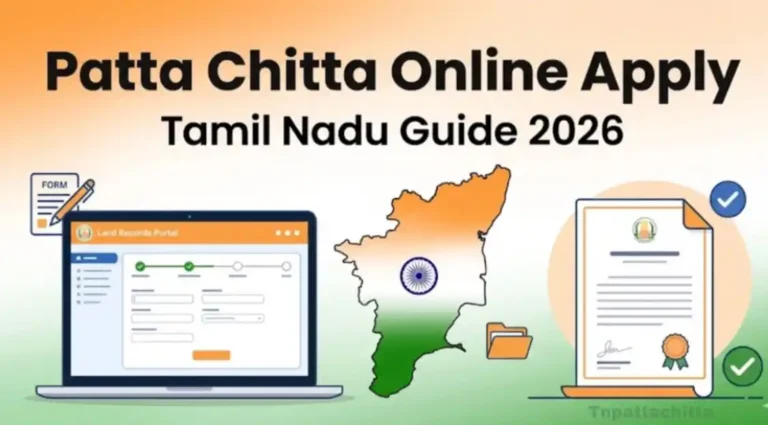
Step 3: Visit eservices.tn.gov.in or tnreginet.gov.in. Select the correct District, Taluk, and Village.
Step 4: Enter the full survey number including sub-divisions like /2A or /3B.
Step 5: If it still shows no record, go to your local VAO with your documents. The VAO can verify your records and guide you to the right office.
Step 6: If mutation is the issue, track it through the Revenue Department’s online mutation status portal or at the Taluk Office.
Step 7: For unresolved cases, submit a petition to the District Collector under the Tamil Nadu Land Revenue Act. This triggers a formal investigation.
How to Apply for Patta Chitta Offline in Tamil Nadu
If the online portal does not work, the offline route is reliable.
Visit your Taluk Office or VAO office with:
- Application in Form 1 (available at the Taluk Office)
- Photocopy of old patta or sale deed
- Aadhaar card
- Property tax receipt (if applicable)
Processing time is typically 7 to 15 working days. The officer issues a certified copy of your patta chitta record directly.
FAQs | Online Patta Chitta Shows No Record
Can I get patta chitta for land in Chennai’s metropolitan area? Yes, but you must use the TSLR portal for town survey lands or the GCC portal for Chennai Corporation limits.
What if the survey number itself is wrong in the portal? This is a data entry error at the digitisation stage. File a correction request at the Tehsildar’s office with supporting documents like EC and sale deed.
Is patta chitta valid for property loans? Yes. Banks like State Bank of India, Indian Bank, and cooperative banks in Tamil Nadu accept patta chitta as primary land ownership proof.
What authority can correct land records in Tamil Nadu? The Revenue Divisional Officer (RDO) and District Collector have the authority to correct and update land records under the Tamil Nadu Patta Pass Book Act, 1983.
Final Word
Getting “No Record” on the patta chitta portal does not mean your land ownership is lost. It almost always means one of the fixable issues above is in the way — a wrong survey number, pending mutation, undigitised records, or a portal glitch.
Act step by step. Start with your documents, verify at the VAO level, and escalate to the Taluk or District Collector if needed. Tamil Nadu’s revenue system has checks at every level. Use them.
Your land record exists. You just need to find the right door to open it.
References:
- Tamil Nadu Revenue Department: tn.gov.in/department/8
- eServices Tamil Nadu: eservices.tn.gov.in
- TNREGINET: tnreginet.gov.in
- Tamil Nadu Patta Pass Book Act, 1983
- Greater Chennai Corporation Land Records: chennaicorporation.gov.in